 Install the app
Office portal
Install the app
Office portal
Install the app
Office portal
Install the app
Office portal
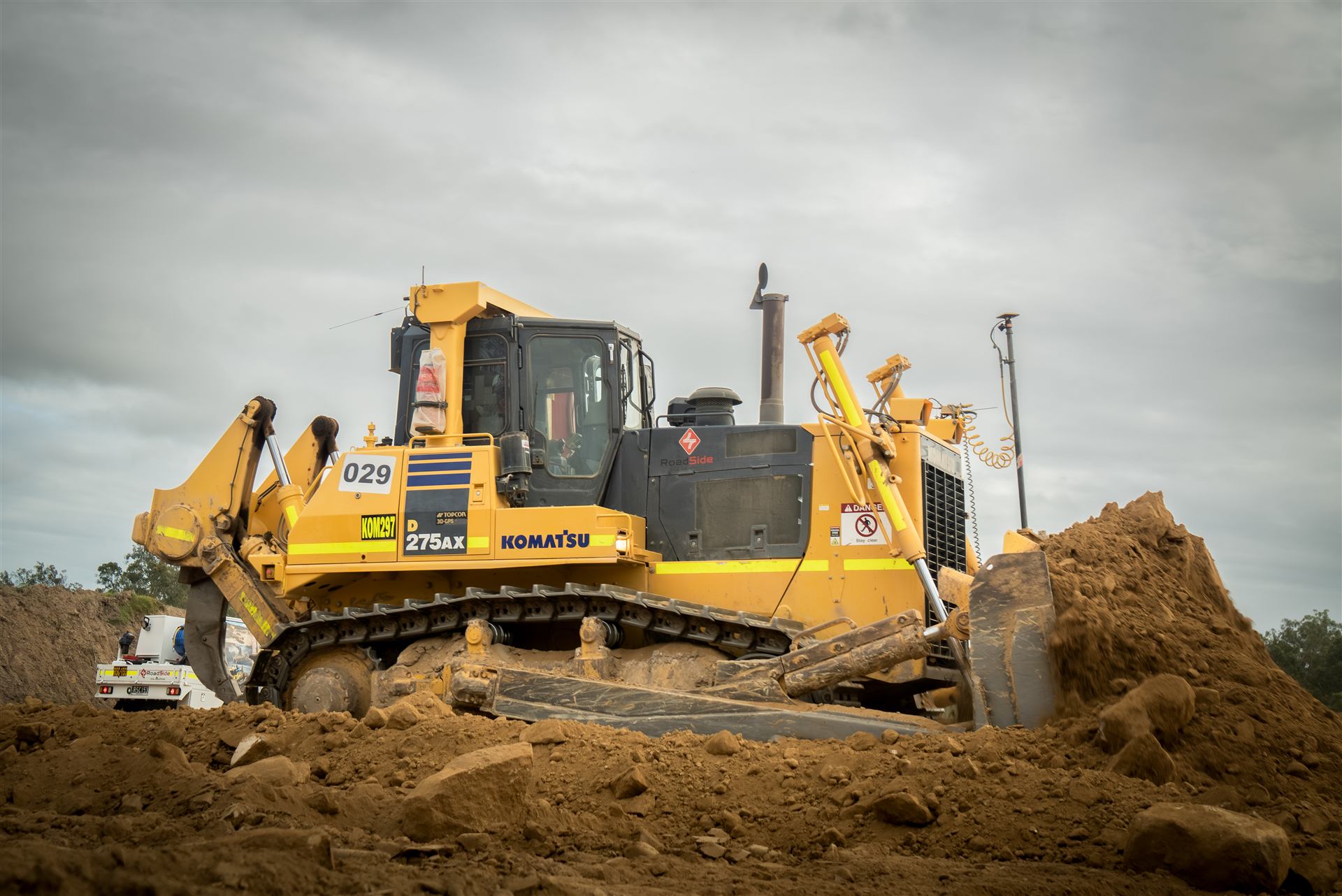
Our crew app — daily sign-on, pre-starts, dockets and timesheets, straight from the cab. Everything we used to chase on paper, on your phone.
The whole app in one video — sign-on, pre-starts, dockets, timesheets, the lot. Fifteen minutes, plain English, chapter by chapter. Stick it on in the smoko shed.
Three things, same as always — just without the paper, the chasing, or the Friday-arvo docket hunt.
Sign on from the cab — quick fit-for-work declaration, drops your location so the office knows you're on site. Rained off? One tap and they know.
Run the pre-start with photos, fill the docket through the day, and hand your phone to the client rep to sign at knock-off. It's in the office before you've packed up.
Your timesheet fills itself from your signed dockets. Check it, add a note if something was different, submit Wednesday night — pays run Thursday.

No app store, no account codes — open the link and add it to your home screen. It installs like a normal app: RoadSide icon, full screen, works offline.
Tap your phone above and we'll walk you through it — it takes about ten seconds. Already installed? Just open the RoadSide icon on your home screen.
First open: set up your profile, read and sign the policies, and you're right to go — the office sees your profile from there.
Everything saves on your phone and sends itself when you're back in range.
Gate moved? Wet weather call? The office pushes it and it's on your home screen.
Flag days you're unavailable or put in for leave — no phone tag with the office.
Time-stamped condition shots at the start of shift, on record if damage gets claimed later.
Less paperwork in the cab. Fewer phone calls in the office. Everyone paid right, on time. If something in the app doesn't work how you'd want it — tell the office and we'll change it.